Join Discord
01 · MEDIA
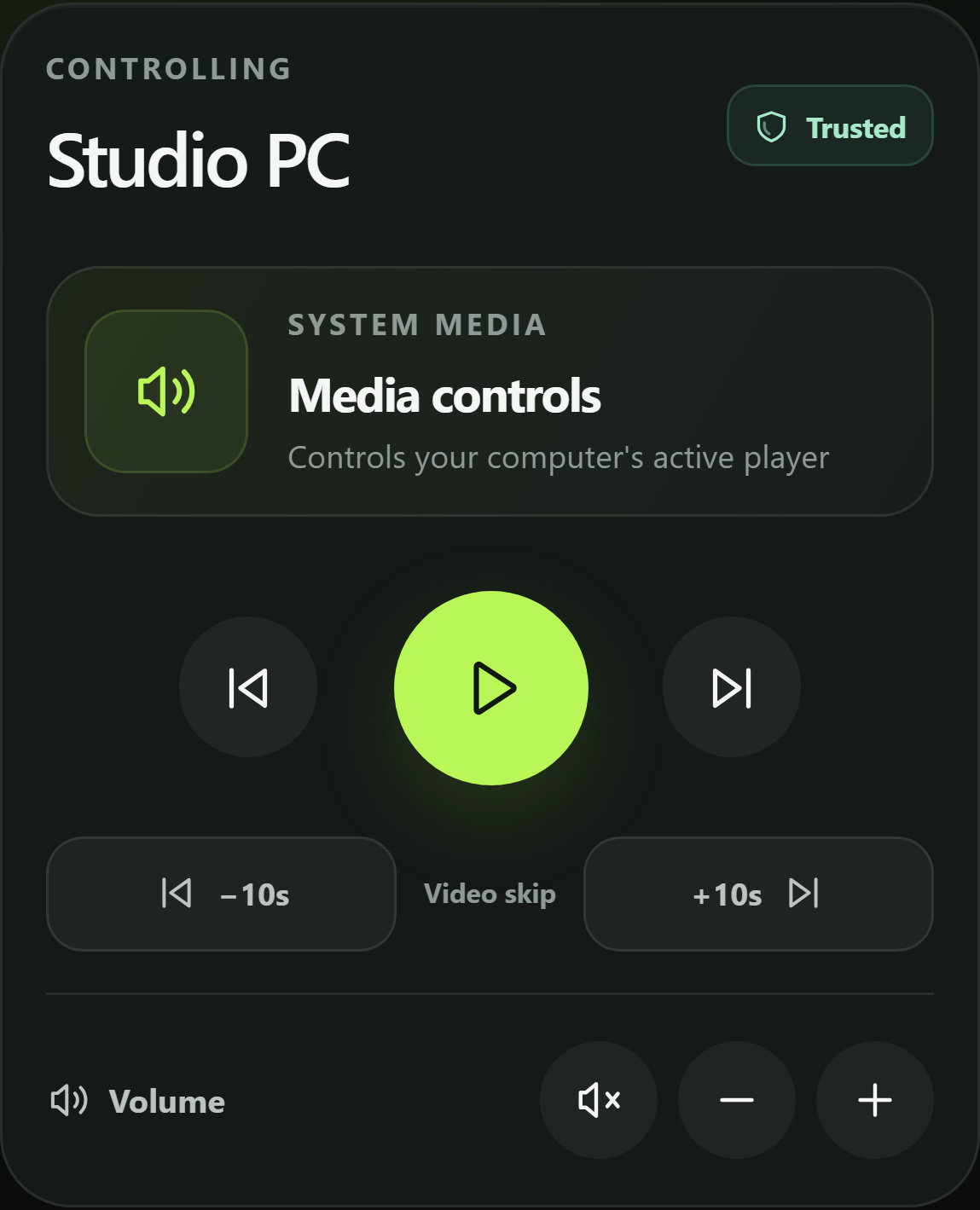
Control what's playing.
Play, pause, seek, and change volume on the active Windows player.
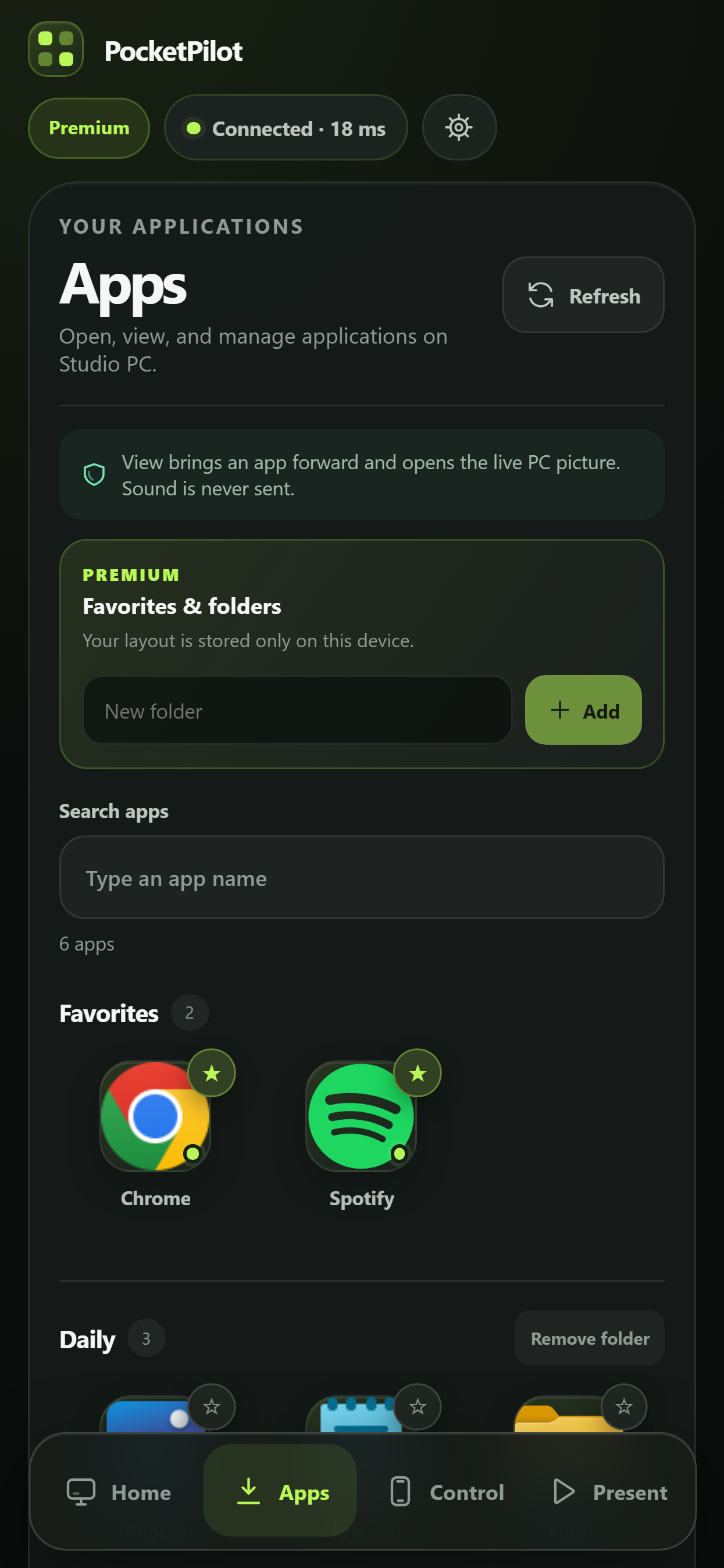
Control media, open supported apps, and see and tap your computer's screen from an iOS or Android device - without a PocketPilot cloud account.
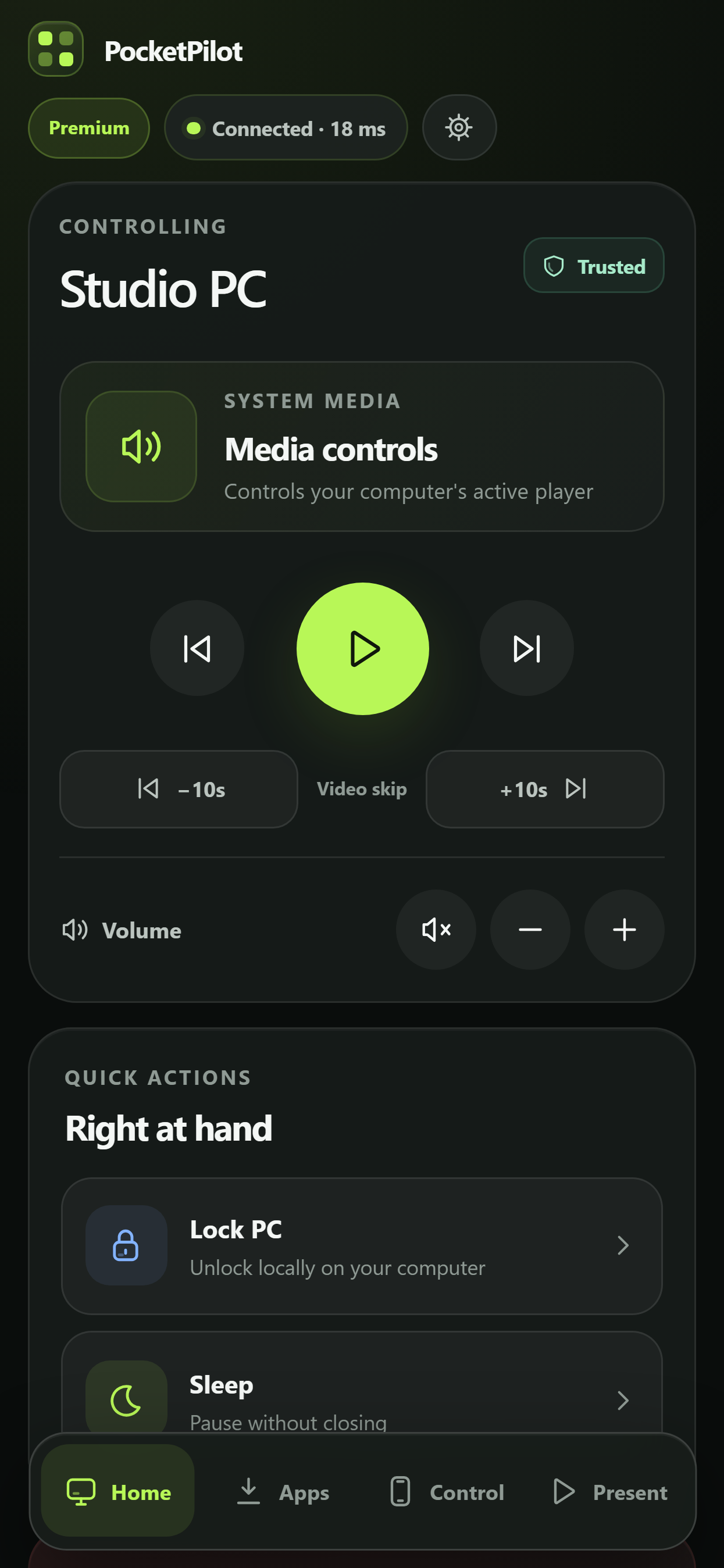
Meet PocketPilot
Control media, open apps, and interact with your Windows screen.
Play, pause, seek, and change volume on the active Windows player.
Search supported Windows apps, then run, bring forward, view, or close them.
See your primary display and tap to click. PC sound stays on the PC.
Explore PocketPilot
Choose a section to view features, try the demo, compare Premium, or open the setup guide.
Media, apps, live picture, power, and local privacy.
Use a safe preview of the real Home, Apps, and Control layouts.
Picture modes, keyboard input, app organization, themes, and PocketPilot: Anywhere internet access.
Windows installation, local pairing, and the iOS & Android tutorial.
Windows 10/11 x64 or macOS 14+ on Apple Silicon · iOS or Android device · Free for personal use
Installs PocketPilot with its setup tutorial, license, and third-party notices.516BBDE130267763E807F8D7A5AF41D2D2BB9514C659C7D7EB31D8C34F994645276C0B8137482A709C159AE96A9F02E292A549DB5AFEE16BF47D3748AD1BD8F6